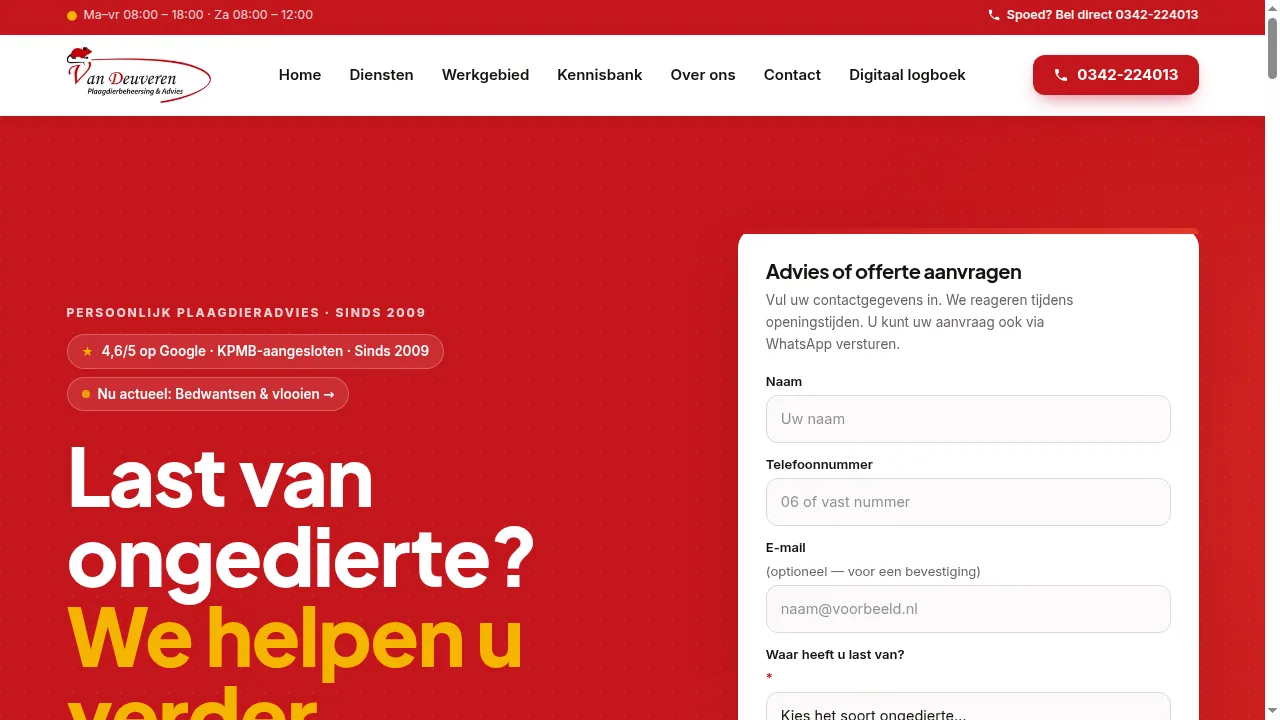
Issue type
Let customers choose the visible pest or describe what they found without treating the website as a diagnosis.
Pest-control visitors often arrive with an immediate concern. The website should help them identify the relevant service, understand coverage and send the details your team needs — without unsupported safety or response claims.
See websites and projects built by VURMLet customers choose the visible pest or describe what they found without treating the website as a diagnosis.
Collect the property type and actual service area needed to route the inquiry.
Ask when the issue was noticed and show only response times the company can support.
Confirm the request, provide a reference and explain when a person will review it.
Let the visitor select a broad issue or write what they observed. Do not label a species, risk or treatment from a short form.
Ask for ZIP code, property type and the affected area of the property so the company can review coverage and likely access needs.
Explain when a person normally reviews requests and what information may be needed next. Keep urgent or emergency wording limited to a response the company actually operates.
Explain what information to send and when the company normally reviews requests.
Explain your normal response times and what an inspection involves. Your website should reflect how your business actually works.
Clear answers before you choose a website partner.
No. It can help a visitor describe the issue and route a request. Assessment and treatment advice remain with the qualified service business.
Only if the business can substantiate and maintain that promise for the stated area and hours.
Only if the business has an agreed reason and safe handling route for it. A photograph may add context, but it must not be presented as a diagnosis or a confirmed treatment plan.
The pricing page shows the current website services. Your personal proposal confirms the agreed pages, work, price, schedule and tax treatment.
See current website pricingShare the issue types, coverage, opening hours and intake details used by your real operation.
VURM replies from the Netherlands and plans meetings around your time zone.